YouTube Premium vs. AdBlock: Could Your Account Be Blocked for Using Ad Blockers?
Recently, there’s been a surge in online discussions about YouTube’s crackdown on ad blockers. What’s happening, why does it matter, and how can you safeguard your account without giving up the content you love?
- Save up to 70% on subscriptions by splitting YouTube Premium (or other services) with SharyDuck—just €3.60/month per person on a family plan.
- Avoid account bans by using trusted ad blockers like uBlock Origin Lite or AdGuard, and skip risky VPNs to stay under YouTube’s radar.
- Enjoy hassle-free streaming with SharyDuck’s legal, secure sharing—no detection risks, easy management, and instant access to premium content.
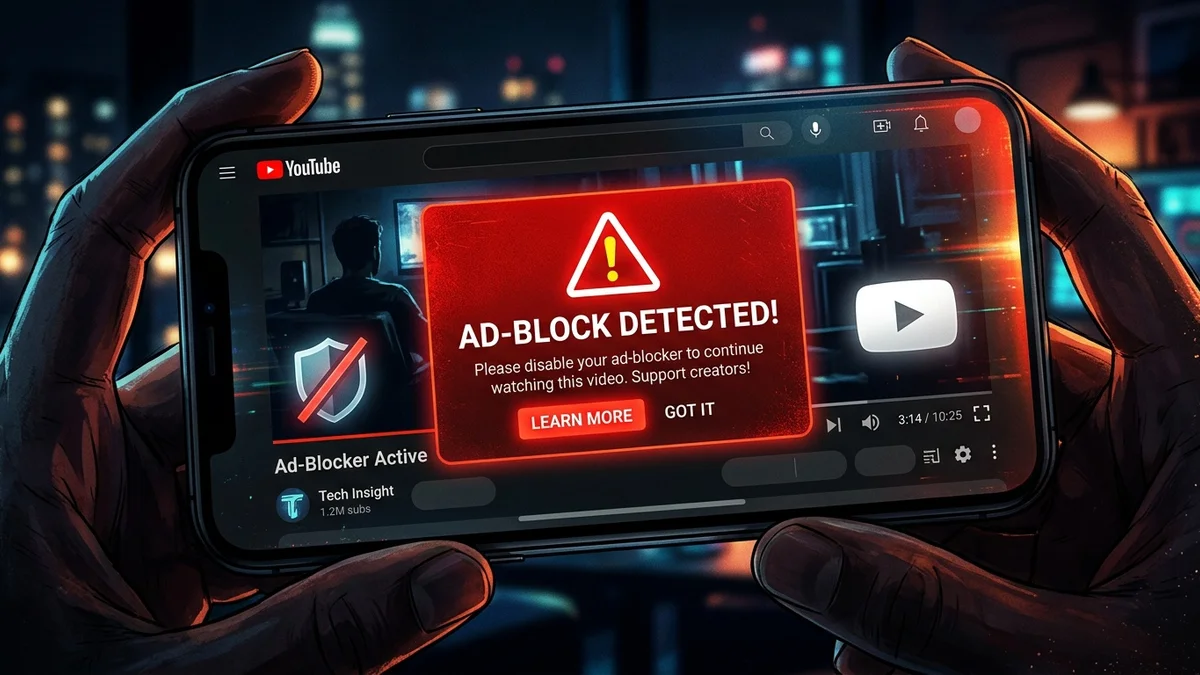
Recently, there has been active online discussion about YouTube’s crackdown on ad blockers. One Reddit post garnered over 160 upvotes and hundreds of comments, particularly among users in Europe, where saving on subscriptions is a particularly pressing issue.
Why is this topic relevant in 2026?
YouTube remains the primary platform for watching videos, and many users have grown accustomed to accessing it for free by blocking ads with extensions like uBlock Origin or AdGuard. However, in recent months, Google has intensified its efforts to combat such tools. Users report temporary account suspensions for using ad blockers and VPNs—ranging from a few days to several weeks.
For European users, this issue is especially significant for several reasons:
- Subscription costs are rising: YouTube Premium costs €11.99 per month, while the family plan is priced at €17.99 (for up to 5 people).
- Saving money is a priority: With inflation impacting budgets, every euro counts, and users are reluctant to abandon their usual cost-saving methods.
- Legal considerations: The EU enforces strict data protection laws, and many VPN users believe Google has no right to restrict their access.
What’s really happening with account suspensions?
Here are the key insights from discussions on Reddit and other platforms:
-
Suspensions do happen, but they aren’t yet widespread
Some users have confirmed that their accounts were temporarily suspended after contacting YouTube support for using ad blockers and VPNs. However, not all ad blockers pose the same risk: uBlock Origin Lite and AdGuard continue to work without issues, while lesser-known extensions may trigger suspicion. -
VPNs can increase the risk
While YouTube doesn’t explicitly ban VPNs, it treats them as an indirect sign of ‘suspicious activity,’ such as bypassing geo-restrictions. If you use a VPN to access content unavailable in your region, the likelihood of a suspension rises. -
YouTube doesn’t explain suspension reasons
Like many major platforms, Google doesn’t disclose why an account was suspended. This lack of transparency frustrates users, though changing the situation remains difficult. -
Alternatives exist, but they aren’t foolproof
Some users have switched to Brave Browser with its built-in ad blocker or SponsorBlock—an extension for skipping sponsored segments in videos. However, these solutions don’t guarantee complete protection from detection.
How to Use YouTube for Free Without Risking Your Account
If you’re not ready to pay for YouTube Premium but want to minimize risks, here are some recommendations:
Choose Trusted Ad Blockers
Safe options:
- uBlock Origin Lite – a lightweight version with a lower risk of detection.
- AdGuard – a paid but effective tool that’s regularly updated.
What to avoid:
- Lesser-known extensions from unverified sources.
- Tools that promise “complete ad blocking without a trace” – these are the most likely to get flagged.
If you use a VPN to access content, opt for reliable services with a strong reputation, such as NordVPN or ProtonVPN. Avoid connecting to servers in countries with high levels of fraudulent activity.
Consider Shared Subscriptions as an Alternative
If you don’t want to pay for YouTube Premium alone but aren’t willing to risk your account, shared subscriptions offer a hassle-free way to save money.
For example, with SharyDuck, you can:
- Split the cost of YouTube Premium with friends or family. A family plan for 5 people costs €17.99 per month – just €3.60 per person.
- Manage subscription access without the risk of being blocked – SharyDuck operates legally and complies with YouTube’s terms of service.
- Add other services like Netflix, Spotify, or Disney+ and save up to 70% on monthly payments.
It’s a convenient and secure way to enjoy your favorite services without overpaying.
Stay Updated
YouTube frequently updates its ad-blocker detection algorithms. Subscribe to updates from your ad-blocker’s developers to keep your extension current. If videos become unavailable, try temporarily disabling your ad-blocker and VPN – this may help you avoid account restrictions.
Should You Be Worried?
For now, blocks due to ad blocker use remain rare rather than widespread. However, the trend is clear: Google is tightening its policies, and risks may increase in the future.
If you:
- Want maximum security – subscribe to YouTube Premium or join a family plan via SharyDuck.
- Are willing to take risks – use trusted ad blockers and a VPN, but be prepared for potential restrictions.
- Prefer a balanced approach – try Brave Browser or SponsorBlock. They are less intrusive than traditional ad blockers.
What’s your take on YouTube’s fight against ad blockers? Are you ready to pay for Premium, or will you look for ways to save on subscriptions?